Monte Carlo Risk Attribution
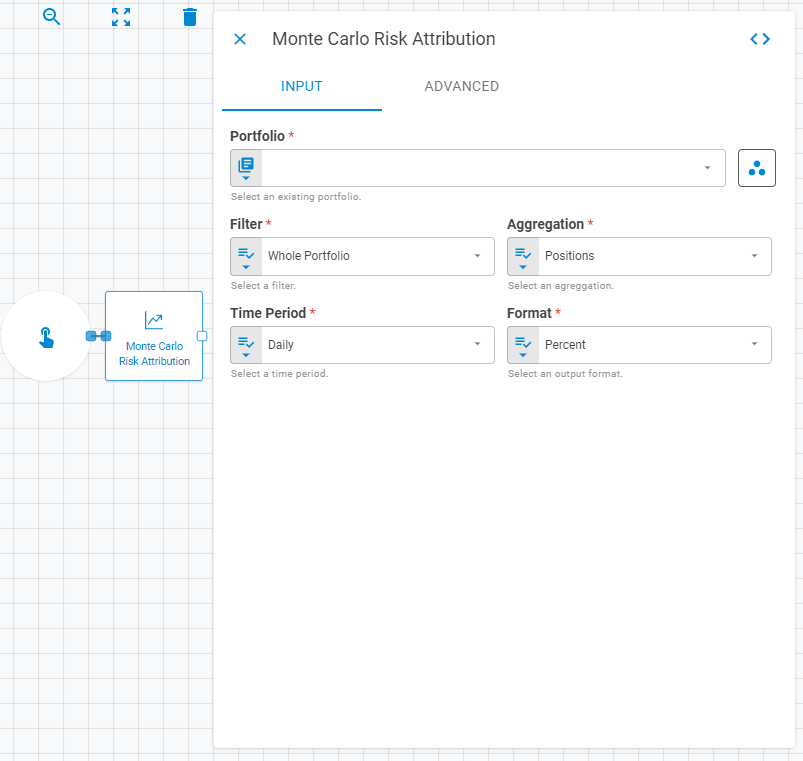
The Monte Carlo Risk Attribution worker calculates the contribution to the overall portfolio risk from each security. It uses a measure called Marginal Contribution to Total Risk (MCTR) for Monte Carlo Risk Attribution.
Parameters
The Monte Carlo Risk Attribution worker must receive specific parameters in order to execute properly. When parameters are not set correctly it may cause the worker to not work as expected. This worker's parameters are separated in the following tabs: Input and Advanced.
Input
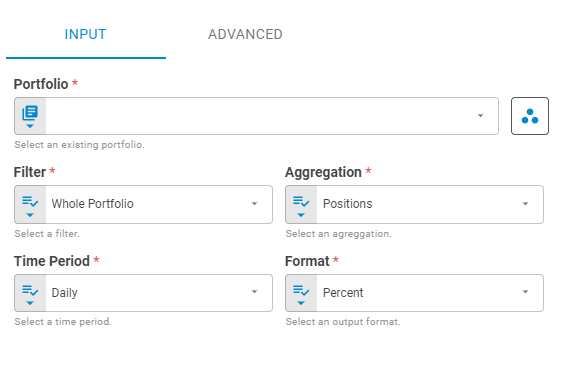
The Input tab contains parameters which are consumed by the worker, in order to execute its calculations or actions.
Portfolio
Select the portfolio to be calculated using Fixed Portfolio, Get Latest, Get List or Upstream Data variants.
Workspace
Set the research workspace of the portfolio to be calculated using Fixed Workspace variant
Filter
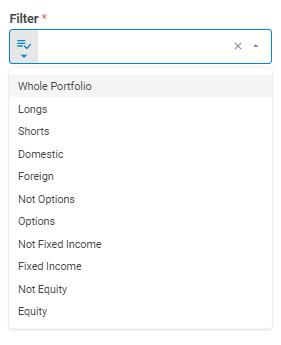
Select the filter to be applied in the calculation using Select variant.
Aggregation
Select the aggregation to be applied in the calculation using Select variant.
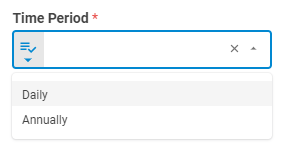
Time Period
Select the time period to be applied in the calculation using Select variant.
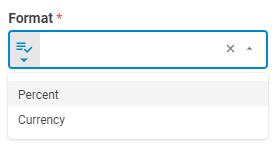
Format
Select the format in which the calculation will be performed using Select variant.
Advanced
The Advanced tab contains parameters that defines the worker execution results, and how it will be provided to downstream workers.
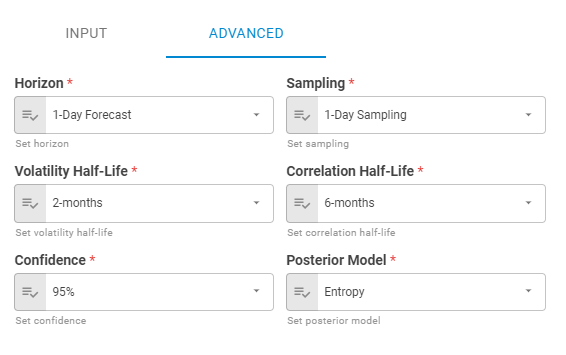
Horizon
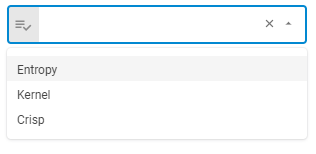
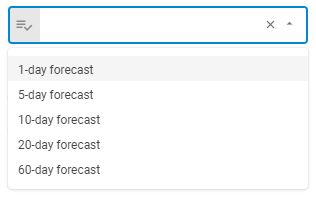
Set horizon using Select variant. You can check the Sampling Combination section, on the Everysk API documentation, to know more about combinations between Horizon and Sampling.
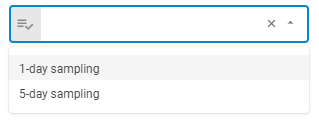
Sampling
Set the sampling using Select variant. You can check the Sampling Combination section, on the Everysk API documentation, to know more about combinations between Horizon and Sampling.
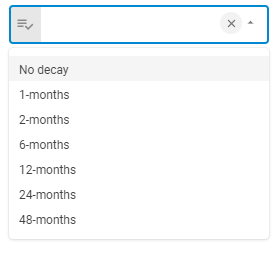
Volatility Half-Life
Set the Volatility Half-Life using Select variant.
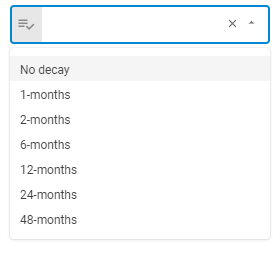
Correlation Half-Life
Set the Correlation Half-Life using Select variant.
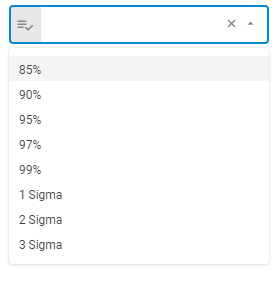
Confidence
Set the Confidence using Select variant.
Posterior Model
Set the Posterior Model using Select variant.
Result
Once the worker finishes its executions successfully, it will return a result object containing the merged portfolio to the workflow, which can be used by downstream workers. Below you can see an example of the Parametric Risk Attribution's result object hierarchy.
- Portfolio Level (object)
- Volatility (number)
- VaR (number)
- CVaR (number)
- Aggregation Level (object)
- Aggregation ID (string)
- Volatility (number)
- VaR (number)
- CVaR (number)