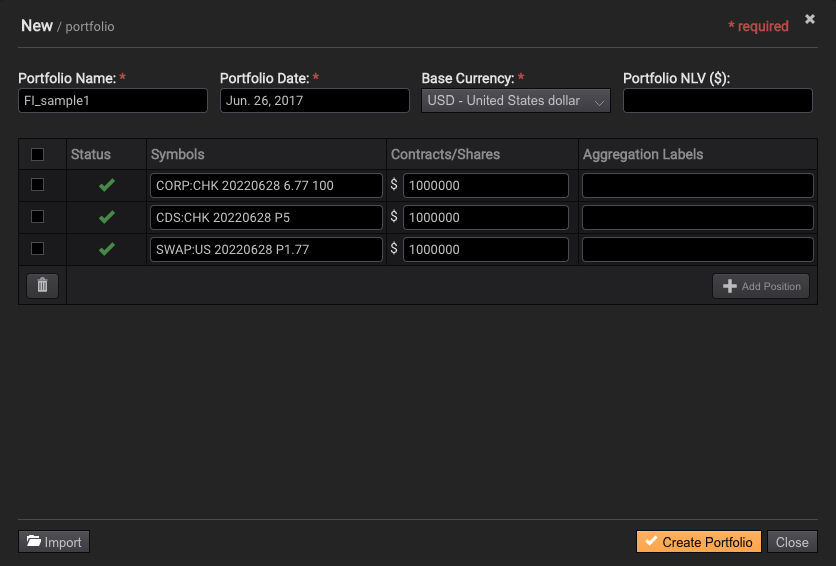
Importing a portfolio from Everysk Samples
Select the New/Import Portfolio button in the My Portfolios tab:

Then select the Import button located in the lower left corner:
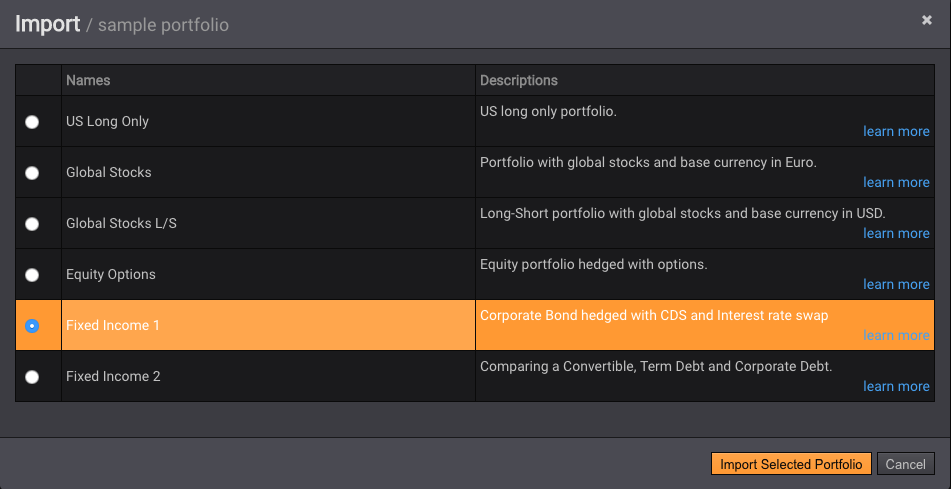
Select the source Everysk Samples:
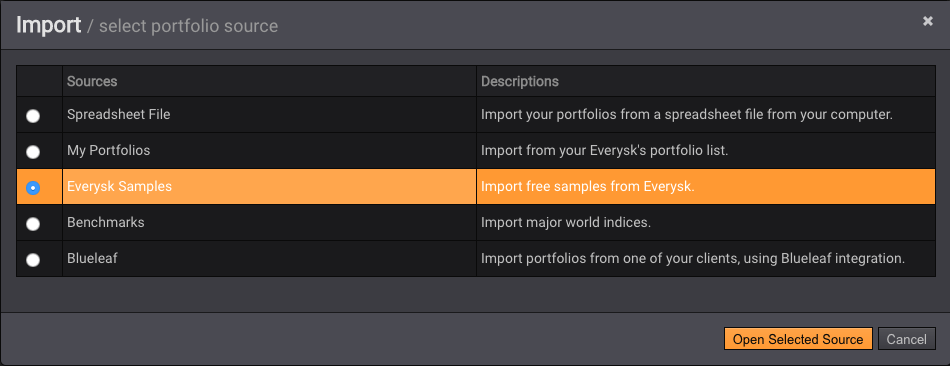
Select the sample you want to use:
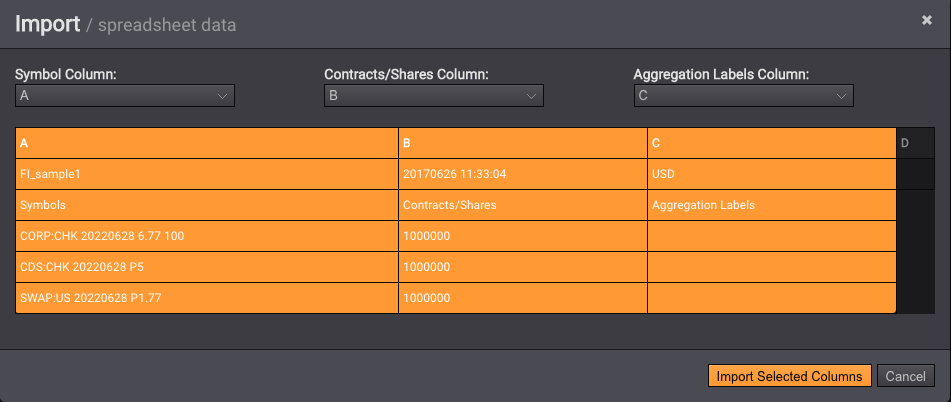
Press Import Selected Columns:
Finally press Create Portfolio: