Create and distribute reports
Creating the report template
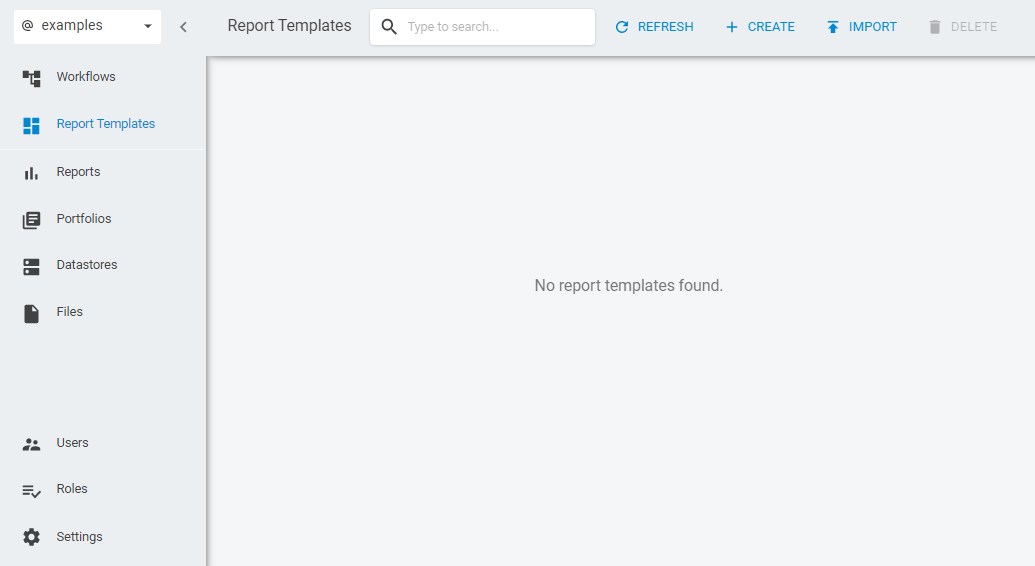
To generate a report you need, first, to create a report template which will receive the data in order to generate a new report. In this example, we're going to create a Security Type Exposure report. To do so, go to the Report Templates section and select the Create option to create a new Report Template.
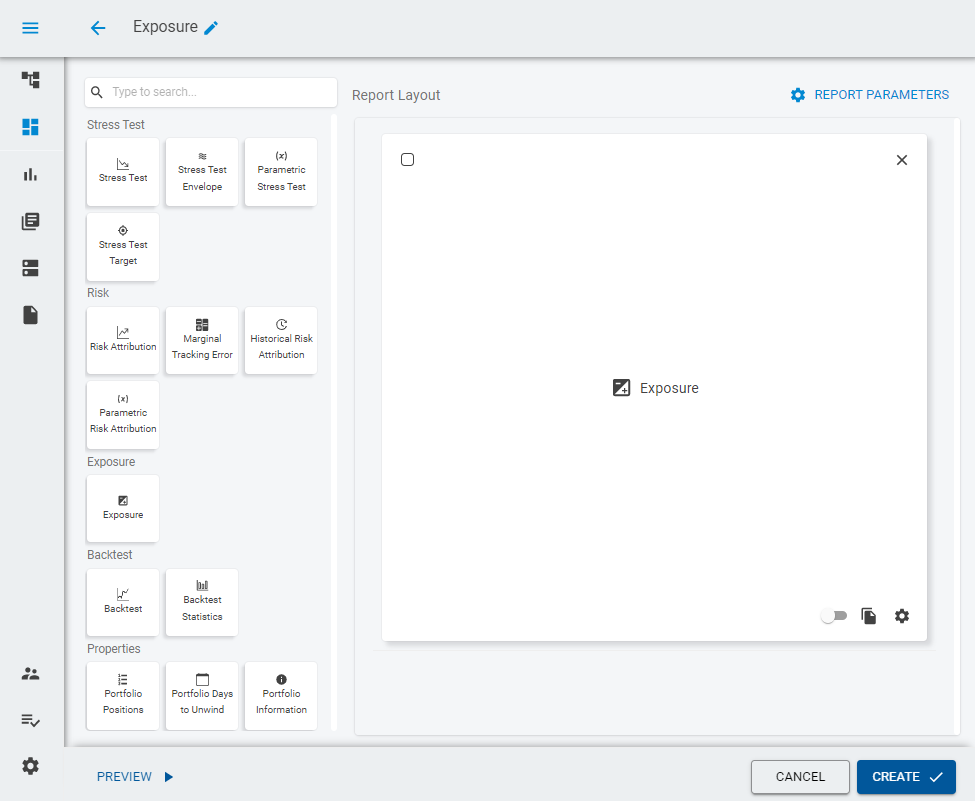
Inside the report template designer, drag the Exposure widget inside the Report Layout and click on it to open a configuration window in the left.
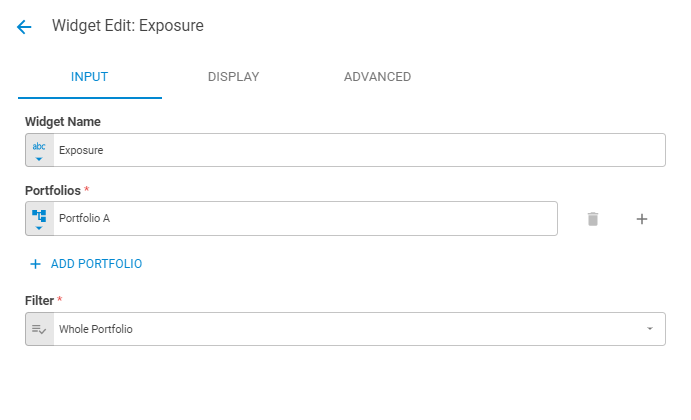
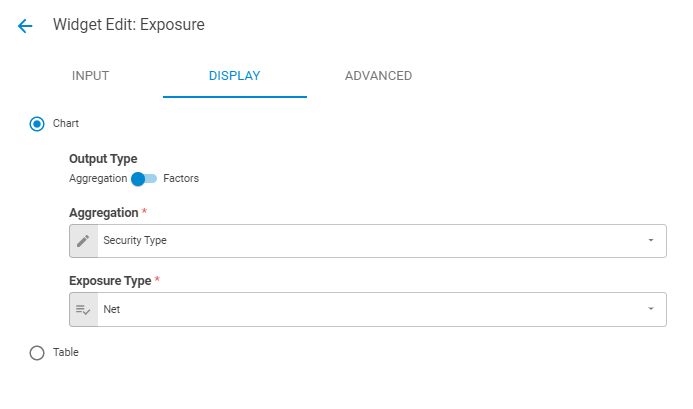
Now, let's configure the Exposure widget to expose the security types in the report. In the Input tab we can let things as they are.
In the Displaytab select the Security Typeoption for the Aggregationfield.
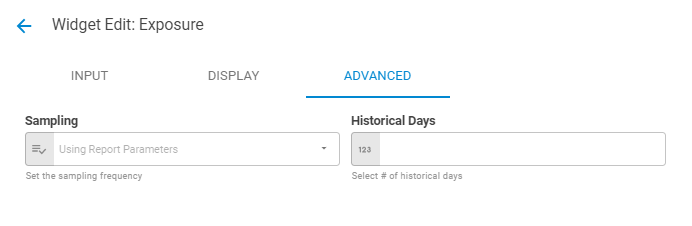
In the Advancedtab we can let things as they are by default.