How to securely share private Reports
In the Reportstab, drag the Report from the left panel and drop it in the central panel. In the right panel, you will see the options below:
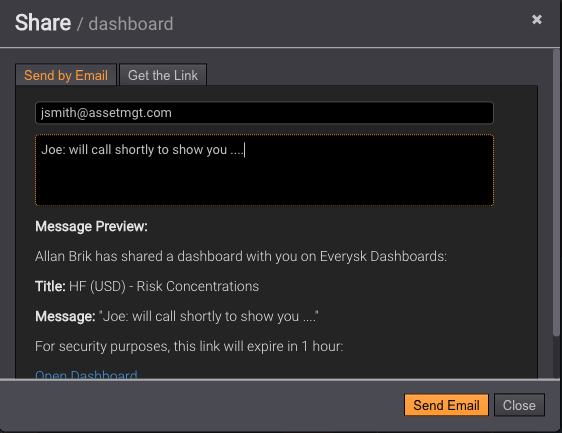
By default, all Reports are private. Click on Share Report and the interface below will appear:
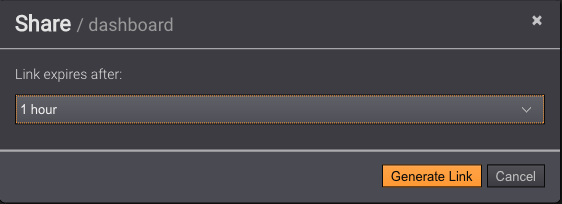
You can specify the expiration for the encrypted url that will be shared, from 1 hour to 30 days. Then select the button Generate Linkand the interface below will be available:
Specify an email address and a note and a fully functional encrypted Report will be sent.