Trade Allocator
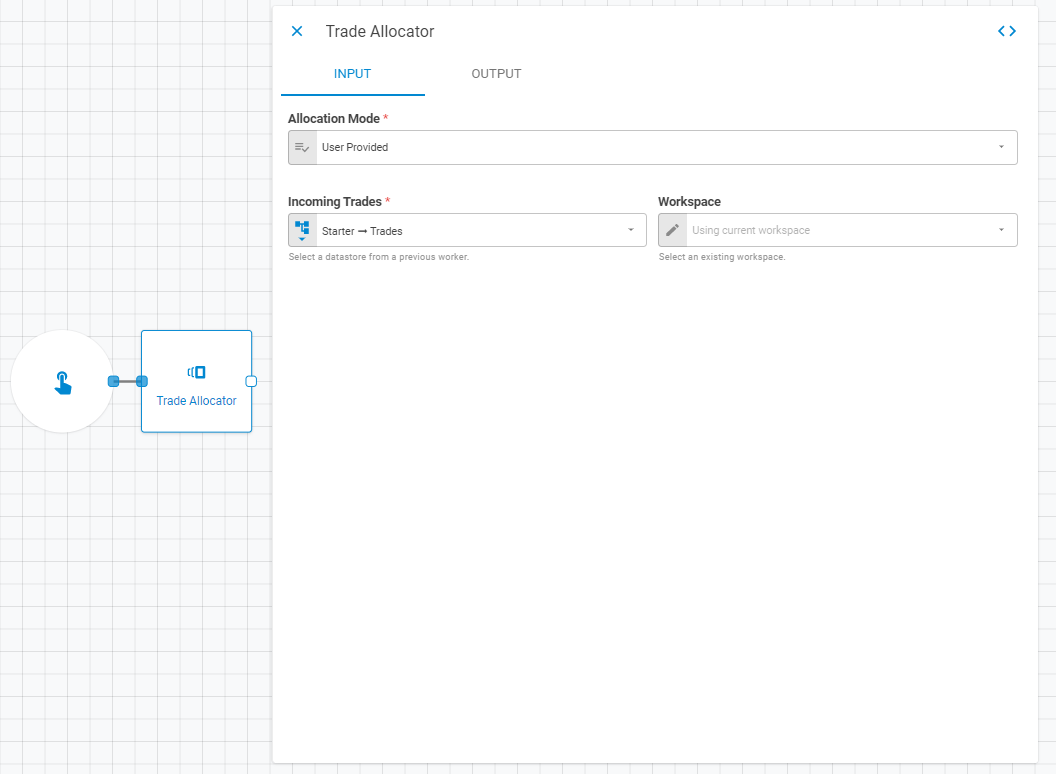
The Worker Trade Allocation is responsible for allocating trades to their appropriate funds and optionally, destination books. The Worker has two usage methods: "User Provided", when the target data is already provided by the user and "Use Rules", in which configuration datastores are needed to apply the rule defined by the Assign Trades Rules worker. The Trades Allocator worker generates a datastore with the trades processed on a portfolio level.
Parameters
The Trade Allocator worker must receive specific parameters in order to execute properly. When parameters are not set correctly it may cause the worker to not work as expected. This worker's parameters are separated in the following tabs: Input and Output.
Input
The Input tab contains parameters which are consumed by the worker, in order to execute its calculations or actions.
Operation Mode
This item is responsible for defining the worker's allocation method, providing, so far, two options: User Provided and Use Rules. Changing the method of action change the form of filling considerably.

User Provided
The user provided option is used when the trades to be allocated already have the Portfolio UID and Book fields defined.
Incoming Trades
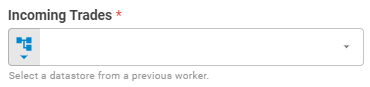
The Incoming Trades field receives the data of operations and transactions carried out in the portfolio. These trades must be properly structured in a datastore, which is usually generated by a trade parser. Set Incoming Trades using Upstream Data, Fixed Datastore or Get Latest variants.
Workspace
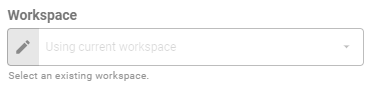
The so-called fields set the research workspace of the Incoming Trades (1.1.1.1). Set workspace using Fixed Workspace variant.
Use Rules
The option Use Rules is obligatorily used after using the worker Assign Trades Rules. With this option selected, the worker will fetch portfolio and book target definition properties from configuration datastores.
Assign Trades Datastore
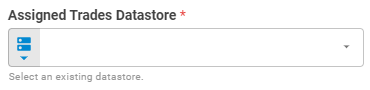
The Assign Trades Datastore field receives the datastore contain information about operations and transactions carried out in the Assign Trades Rules Datastore. These trades must be properly structured in a datastore, which is mandatory generated by the worker Assign Trades Rules containing information about the rules that must be applied in each of the negotiations. Set Assign Trades Datastore using Upstream Data, Fixed Datastore or Get Latest variants.
Workspace
The so-called fields set the research workspace of the Incoming Assign Trades Datastore (1.1.2.1), Unnamed (1.1.2.3) or Unnamed (1.1.2.4), respectively. Set workspace using Fixed Workspace variant.
Unnamed
This field receives a configuration datastore, which serves as a Lookup Table to apply the split percentage to the target portfolio (portfolio UID) according to each rule. Set the Assign Portfolio Rules using a Upstream Data, Fixed Datastore or Get Latest variants.
The Unnamed datastore is a three-column table, the header must contain the following fields: Rule, Portfolio UID and Percentage. Each row corresponds to the percentage of the division destined to the UID portfolio according to a certain rule and the total sum of a rule must be 1.0; The table below shows an example of filling.
| Rule | Portfolio UID | Percentage |
|---|---|---|
| Rule A | 00000000000000 | 0.7 |
| Rule A | 11111111111111 | 0.3 |
| Rule B | 00000000000000 | 0.8 |
| Rule B | 11111111111111 | 0.2 |
Unnamed
This field receives a configuration datastore, which serves as a Lookup Table to apply the split percentage of each Book, inside the Portfolio, according to each rule. Set the Assign Portfolio Rules using a Upstream Data, Fixed Datastore or Get Latest variants.
The Unnamed datastore is a three-column table, the header must contain the following fields: Rule, Book and Percentage. Each row corresponds to the percentage of the division destined to the UID portfolio according to a certain rule and the total sum of a rule must be 1.0; The table below shows an example of filling.
| Rule | Book | Percentage |
|---|---|---|
| Rule A | 00000000000000 | 0.7 |
| Rule A | 11111111111111 | 0.3 |
| Rule B | 00000000000000 | 0.8 |
| Rule B | 11111111111111 | 0.2 |