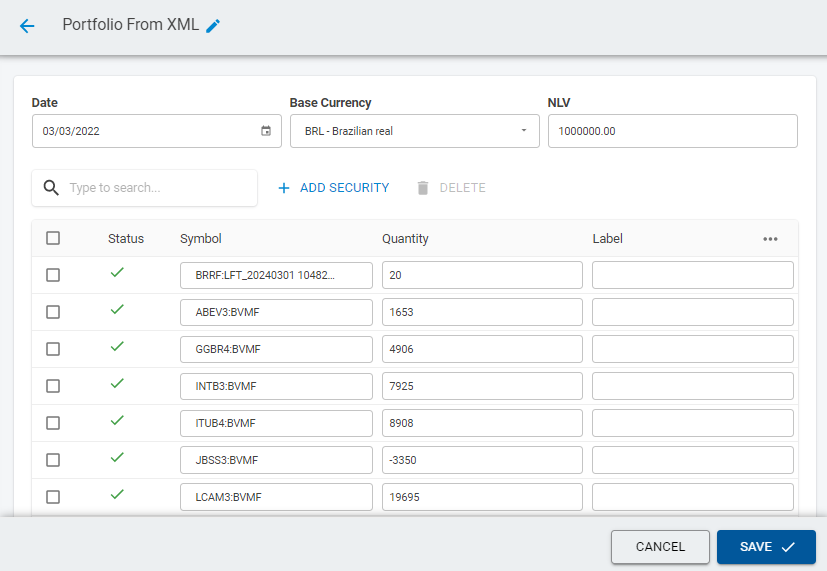
Creating a portfolio from an XML file with the ANBIMA Parser worker
Importing the XML file inside the platform
Drag the XML file inside the file section or import it by clicking in the Import button.
mceclip8.png
Creating the workflow
After following the steps above you're ready to create a workflow that receives an XML file and creates a portfolio from it. Once inside the designer, drag the File Retriever worker and then drag the ANBIMA Parser worker connecting them as the image below.
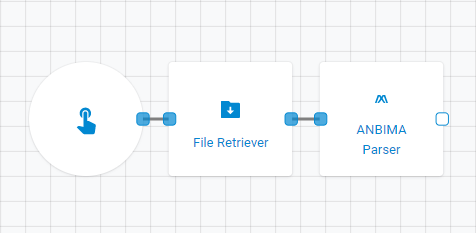
Bringing the XML file into the workflow
Open the File Retriever worker and select the XML file from the workspace in which it was previously imported.
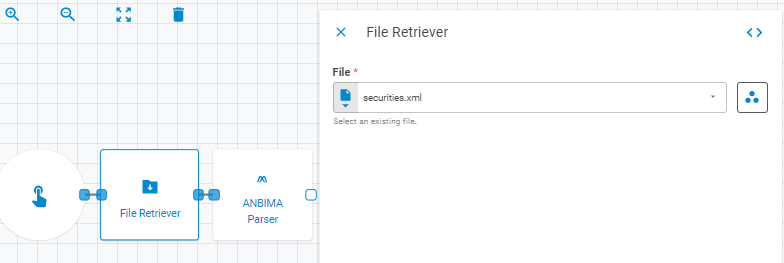
Setting up the ANBIMA Parser worker
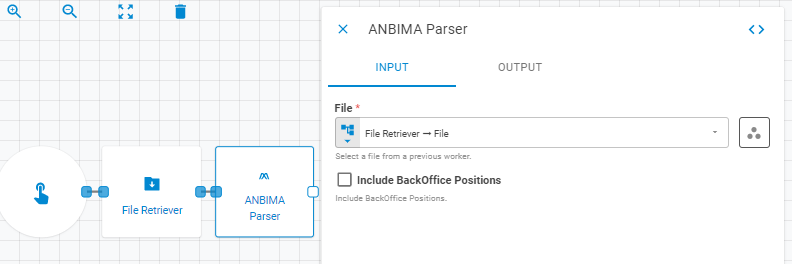
Input Tab
Select the retrieved XML file from the File Retriever worker using Upstream Data variant.

Output Tab
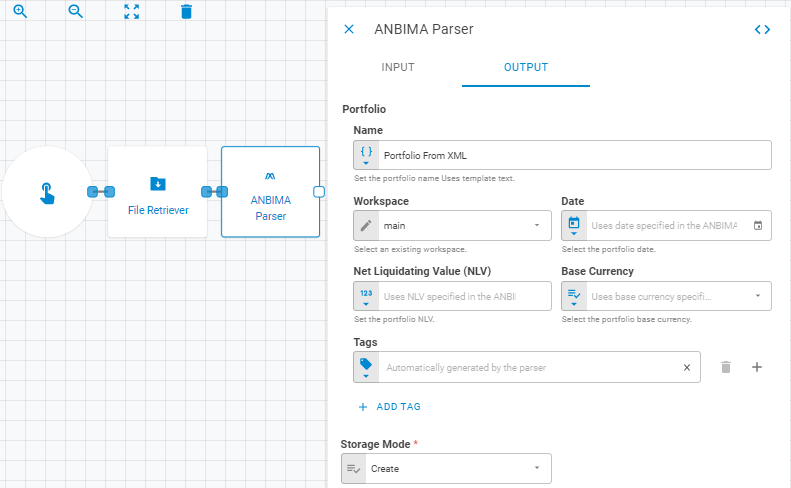
Define the portfolio information as name, workspace in which it will be stored, date, net liquidating value, base currency and tags. If you do not want to store the portfolio inside the platform just set the Storage Mode selector to Transient.
Checking the portfolio
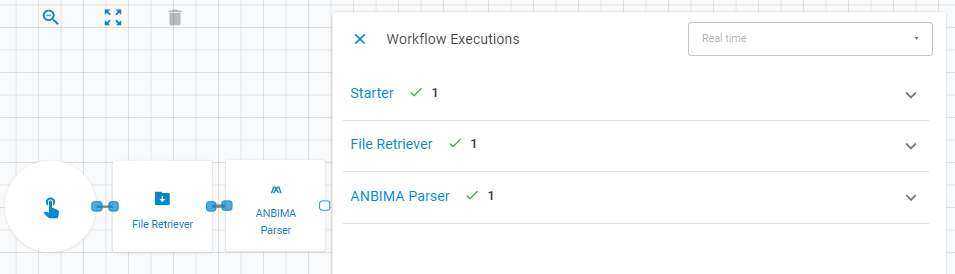
If the workflow executed successfully there will be green check icons beside each execution.
To find the generated portfolio click in the ANBIMA Parser execution and then click in the OPEN PORTFOLIObutton.
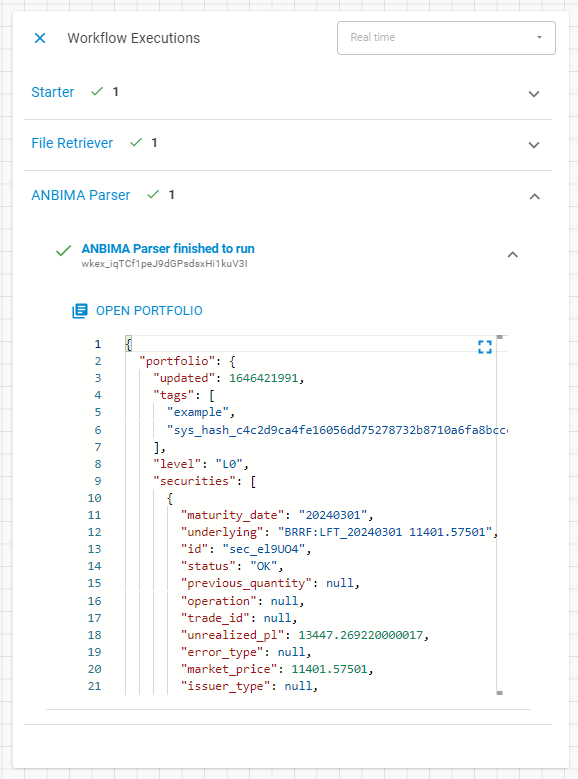
You will then be redirected to the generated portfolio.