Compliance Generator
The Compliance Generator worker validates whether a datastore follows user given conditions and rules. After the execution, the Compliance Generator worker generates a detailed compliance report which can be used in the compliance widgets.

Parameters
The Compliance Generator worker must receive specific parameters in order to execute properly. When parameters are not set correctly it may cause the worker to not work as expected.

Conditions
Handle the conditions by which the datastore will be validated. You can add more than one condition and group these conditions.

Add condition
When selecting the Add Condition button more fields are exposed, enabling the user to configure this condition.
Property
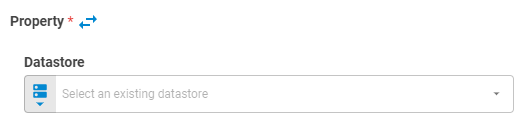
Set the property which will be validated. You can pass such a property in two ways: 1) Pass the property using Upstream Data variant, or 2) expanding the Propertyfield to explore a datastore.
Pass the property using Upstream Data variant
Set the Property value using Upstream Data variant.
Expanding the property field for data exploration


Datastore
Select the datastore using Fixed Datastore, Get Latest, Get List or Upstream Data variants.
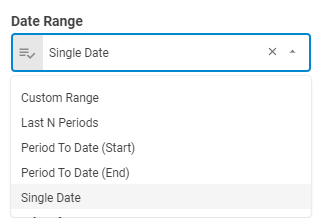
Date Range
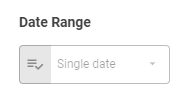
When selecting a datastore using Get Latest or Get List variants, the Date Range field will be enabled to use in the exploration. It has the following options of date range: Custom Range, Last N Periods, Period To Date (Start), Period To Date(End) and Single Date.
Filters
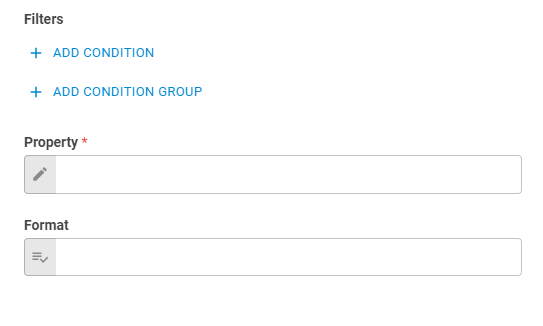
You can set filters inside the exploration and separate them in groups to meet specific conditions inside of it.
Filter By
Select the datastore property which will applied to the filter using Fixed Value variant.
Operator
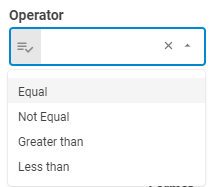
Select the operator to be used in the condition statement using Fixed Value variant.
Value
Set value to be compared using Fixed String variant.
Property
Select the datastore property using Fixed Value variant;
Format
Select the property format using Fixed Value variant.
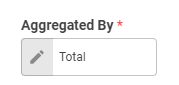
Aggregated By
Select the exploration aggregation type using Fixed Value variant.
Property Label
Set the property label using Fixed String or Upstream Data variants.
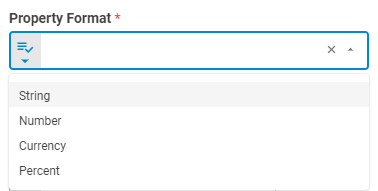
Property Format
Set the property format using Fixed Value or Upstream Data variants.
Decimal Points
Set decimal points using Fixed Number or Upstream Data variants
Operator
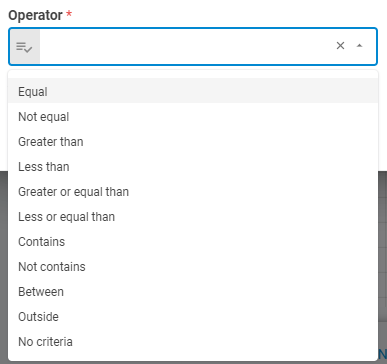
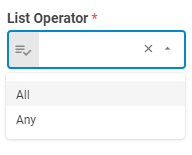
List Operator
Set the list operator conditional using Fixed Value variant.
Value
Set the condition value using Fixed Value or Upstream Data variants
Result
Once the worker finishes its executions successfully, it will return a result object containing the retrieved result(s) to the workflow, which can be used by downstream workers. Below you can see an example of the Compliance Generator's result object hierarchy. You can check the Output Types article to learn more about result objects types.
- Result (boolean)
- Detailed Result (object)