For Developers
The For Developers worker can be used to create customized workers in order to meet more specific needs inside a workflow. It gives users with some programming knowledge more freedom to develop workers for a particular need to take the most from their workflows.
Parameters
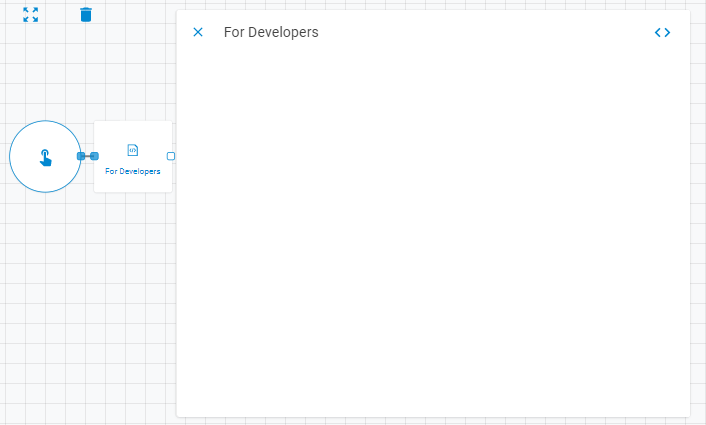
The For Developers worker has no parameters. You can totally customize this worker by creating your own parameters, inputs and outputs. By clicking on the developers button as highlighted below you will have access to the customization settings of the For Developers workers. You can check the Developers Section article to learn more about worker customization.

Editing the source code
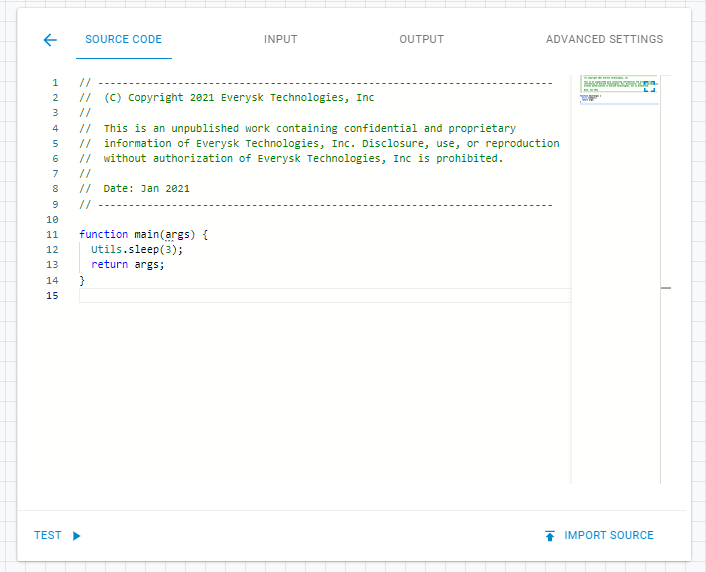
On the Source Code tab you can edit the For Developer worker source code. All codes must be written in Javascript ES5.
Editing Input
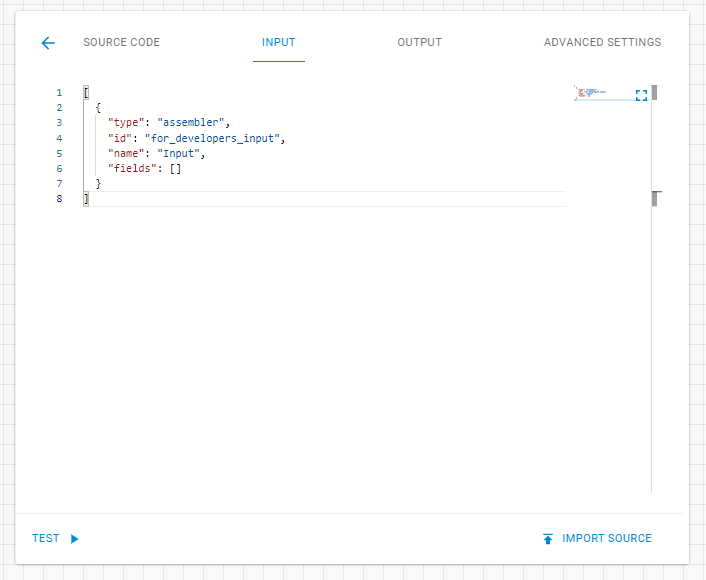
On the Input tab you can create input fields for the For Developers worker.
Editing Output
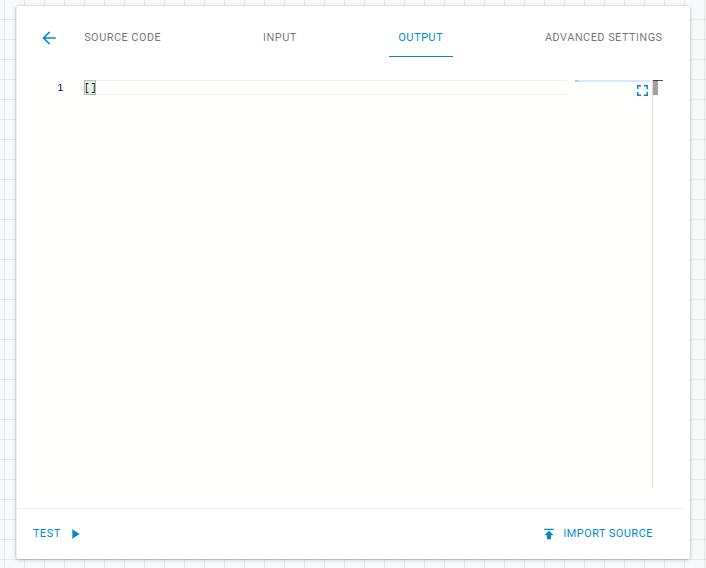
On the Output tab you can create output results which will be returned to the workflow as upstream data.
Advanced Settings
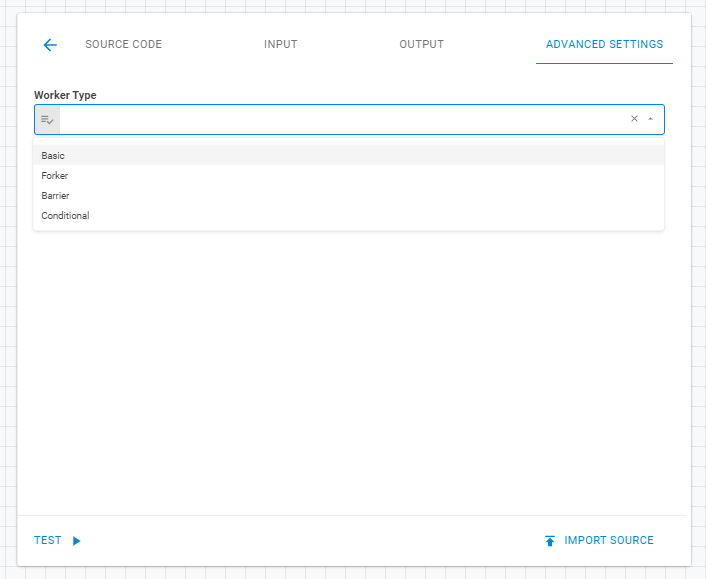
On the Advanced Settings tab you can determine the worker type. It has four options: Basic, Forker, Barrier and Conditional.