File OCR
The File OCR worker uses Google Document AI features to extract information from images and PDF files and returns a table to the workflow. Currently this worker only uses the Table Extraction resource, used to extract tables from images and PDFs.
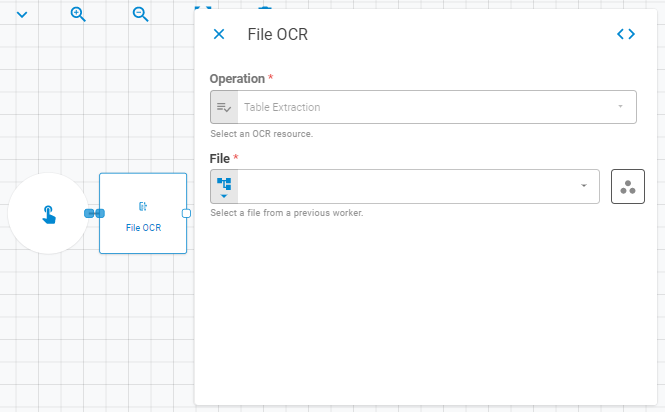
Parameters
The File OCR worker must receive specific parameters in order to execute properly. When parameters are not set correctly it may cause the worker to not work as expected.
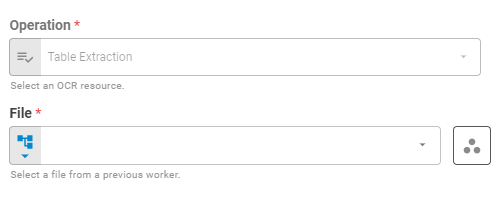
Operation
Select the File OCR operation using Fixed Value variant. Currently the field is disabled and set to Table Extraction.
File
Select the file to be parsed using Fixed File, Upstream Data or Get Latest variants.
Result
Once the worker finishes its executions successfully, it will return a result object containing the merged portfolio to the workflow, which can be used by downstream workers. Below you can see an example of the File OCR's result object hierarchy.
- OCR Data (object)
- Table (list of lists)