Export reports as PDF or CSV
Everysk reports are set up as interactive dashboards, allowing users to drill down into their portfolio analytics on the fly. You can either share the report as a whole via link or export individual widgets.
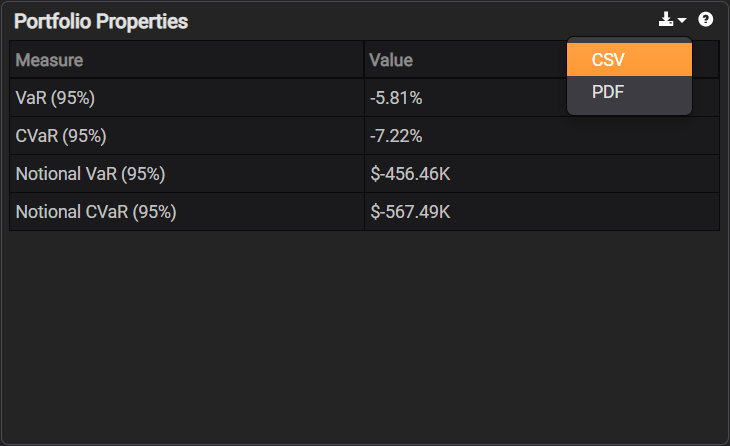
The individual table widgets are exportable to CSV or can be printed as a PDF. Hover your mouse over the title bar as seen below, select the download icon, and you will see a menu of CSV or PDF.