Connecting Workflows
Everysk allows workflows to be connected for sequential processing: when the first workflow finishes, the second starts. There is no limit on the number of connected workflows. The platform detects any inconsistency to preserve a Directed Acyclical Graph (DAG).
In order to connect workflows, place a Workflow Bridge worker at the end of the first workflow and select the second from the selection box. It can send, when necessary, needed parameters to the target workflow in order for it to execute properly.
mceclip0.png
Parameters
The Workflow Bridge worker must receive specific parameters in order to execute properly.
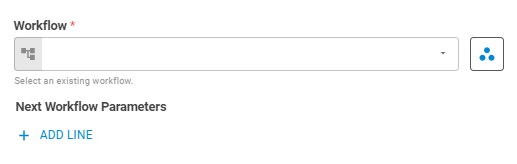
Workflow
Select the workflow to be executed using Fixed Workflow variant.
Workspace
Set the research workspace of the workflow using Fixed Workspace variant.
Next Workflow Parameters
Set Key and Value to be sent to the target workflow in order for it to run successfully. To add new keys, click on the Add Linebutton.
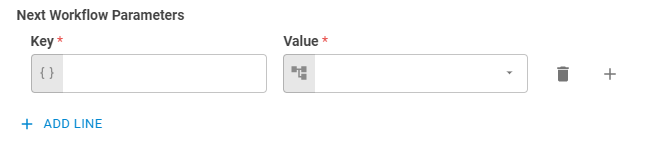
Key
Set the object key to be sent to the target workflow using Template Text variant.
Value
Set the object value to be sent to the target workflow using Upstream Data variant.
Results
This worker does not return results to the workflow.