Can I revoke public access to a Report?
To revoke public access, simply drag the desired Report from the left panel to the central panel in Reports tab.
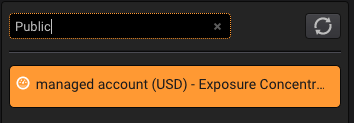
Tip: to find easily all the public Reports, use #Public in the Report search field:
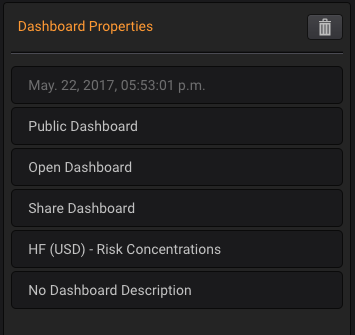
Then, in the right panel, click in the Public Report selection:
This will open a toggle that can be switched to Private:
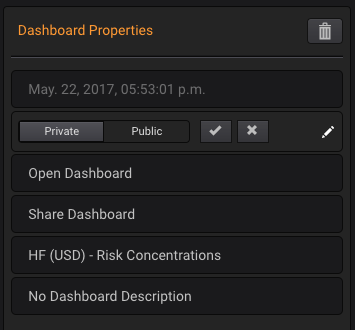
The Report will not be accessible any longer, even if it has been embedded.