How to search for Reports
1) Finding Reports by names:
In Reports tab, use the search engine located on the top of the left panel to type the name of the Report you are looking for.
2) Finding Reports by dates:
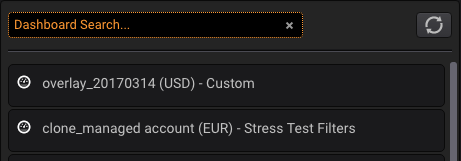
In Reportstab, use the search engine located on top of the left panel:
Type a date in the format: #YYYY to find all the Reports created during a year, use #YYYYMM to find all the Reports created on a specific month and #YYYYMMDD for all the Reports from a date:
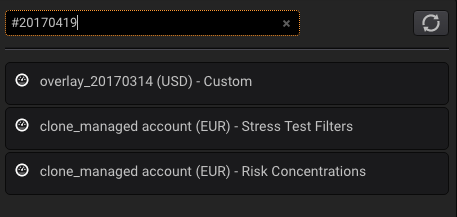
Only the Reports created on that date will be shown.