Exporting a workflow
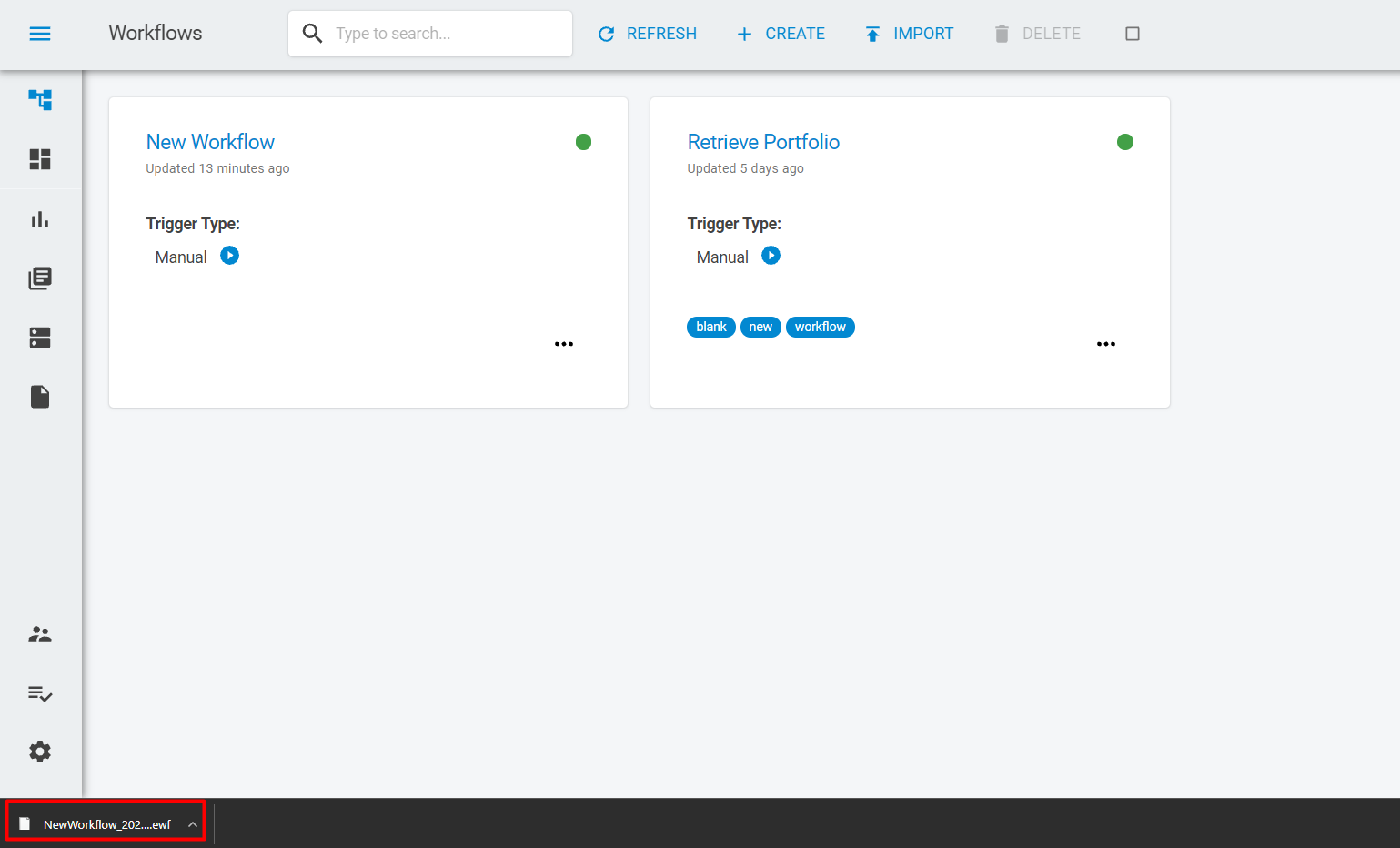
You can export your workflows in order to create backups on your computer or to send them to another user. To do so, click on the options button on the workflow card (3 dots at the bottom right corner) an select the Exportbutton.
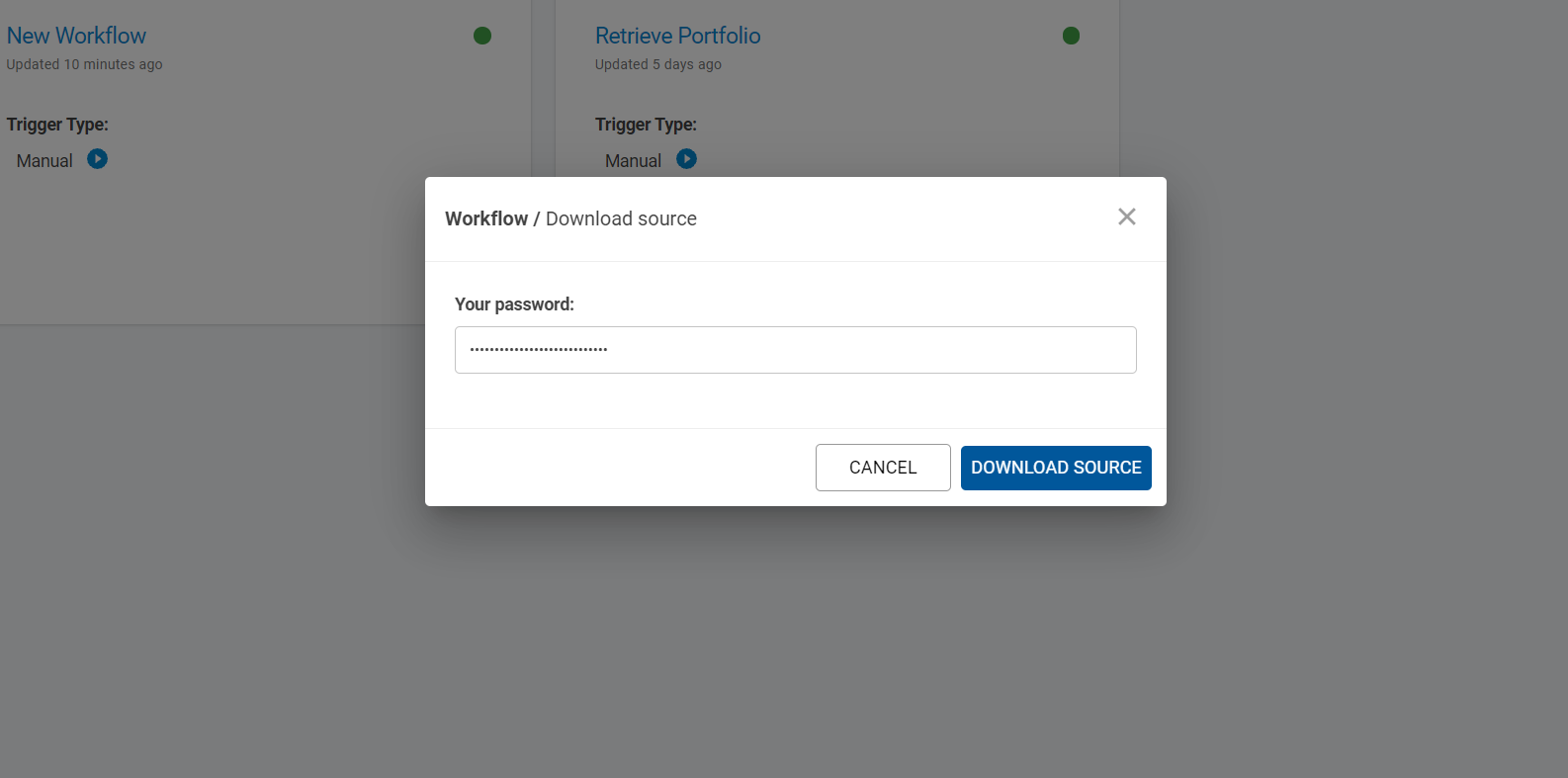
A section will pop up on the screen and you will be asked to provide your password. Once the password is provided, click in the Download Source button.
The workflow will be downloaded to your computer.