Importing Portfolios from Black Diamond
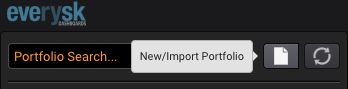
Select the New/Import Portfolio button in the My Portfolios tab:
Then select the Import button located in the lower left corner:
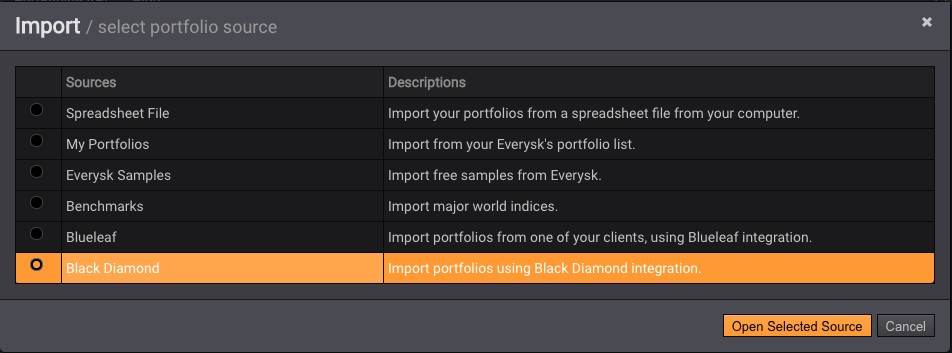
Select the source Black Diamond:
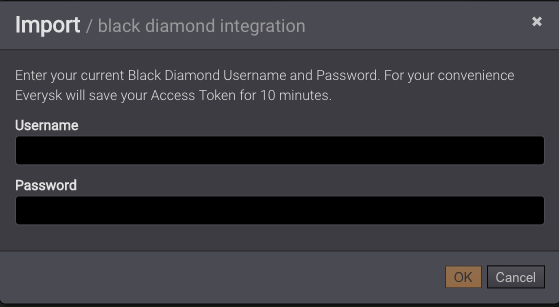
You will be asked to provide your Black Diamond credentials. For your convenience, Everysk will save your credentials for 10 minutes:
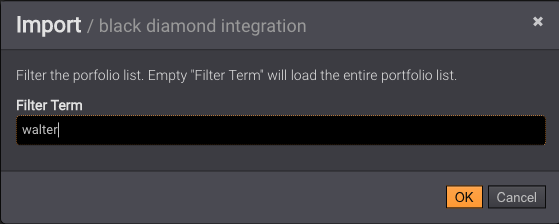
Next, you will have the option to filter only certain households. In the example below, "walter" is being used as the filter. Press OKto pull all the matches:
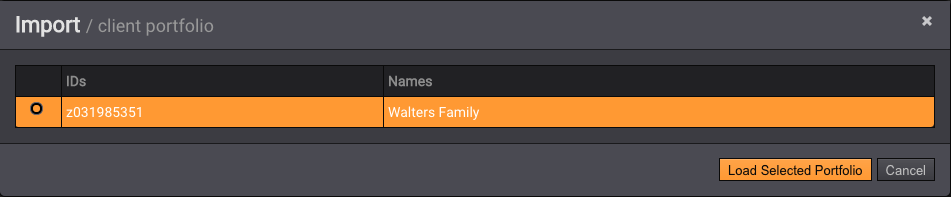
Press Load Selected Portfolio button to pull all the accounts for this client (portfolio).
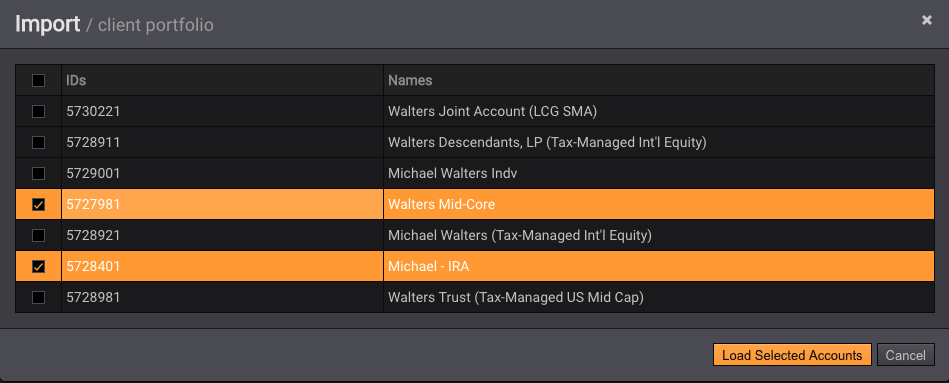
You can select multiple accounts to be analyzed together. Then, press Load Selected Accounts:
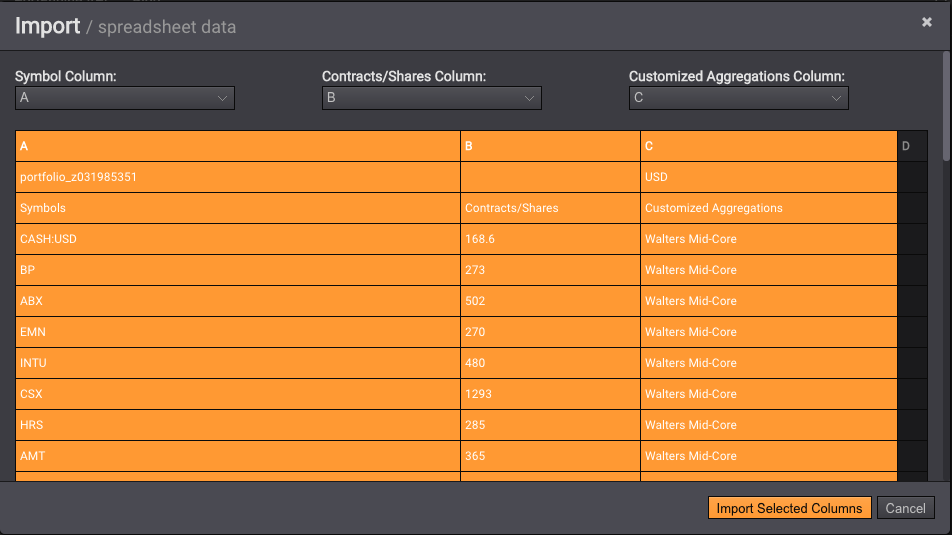
Press Import Selected Columnsto load the tickers and quantities into Dashboards. Note that the 3rd column is populated with the account names, so that risk can be aggregated as such:
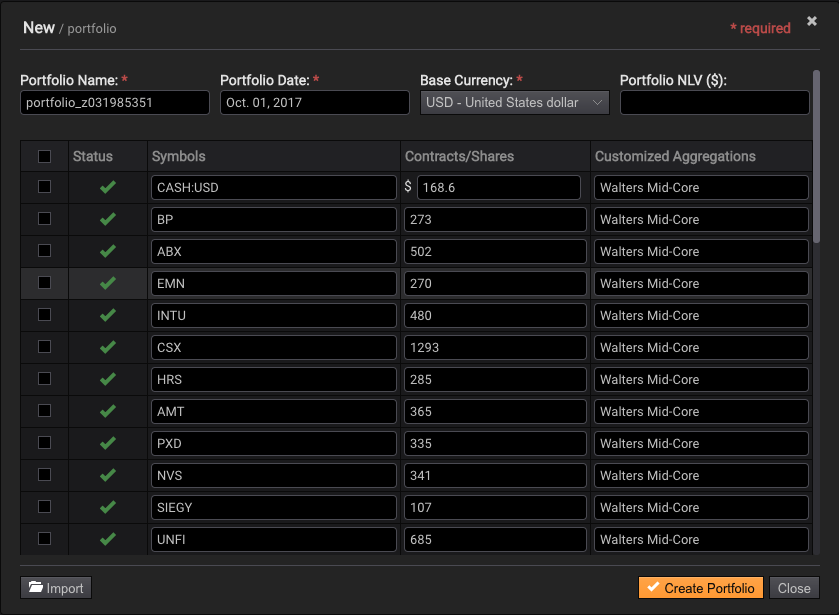
Finally press Create Portfolio: