Deleting a workflow
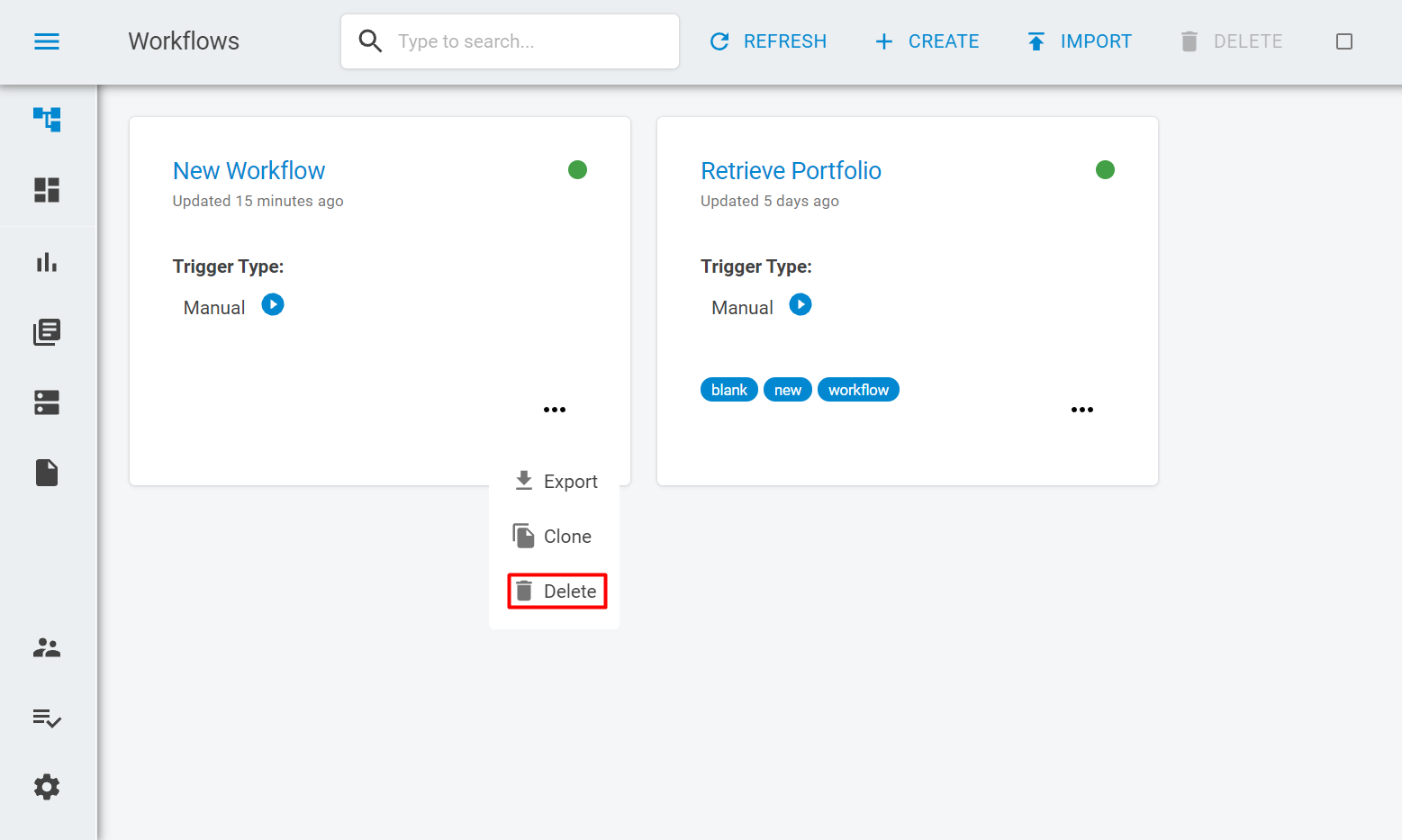
To delete a workflow click on the options button on the workflow card and select the Deleteoption.
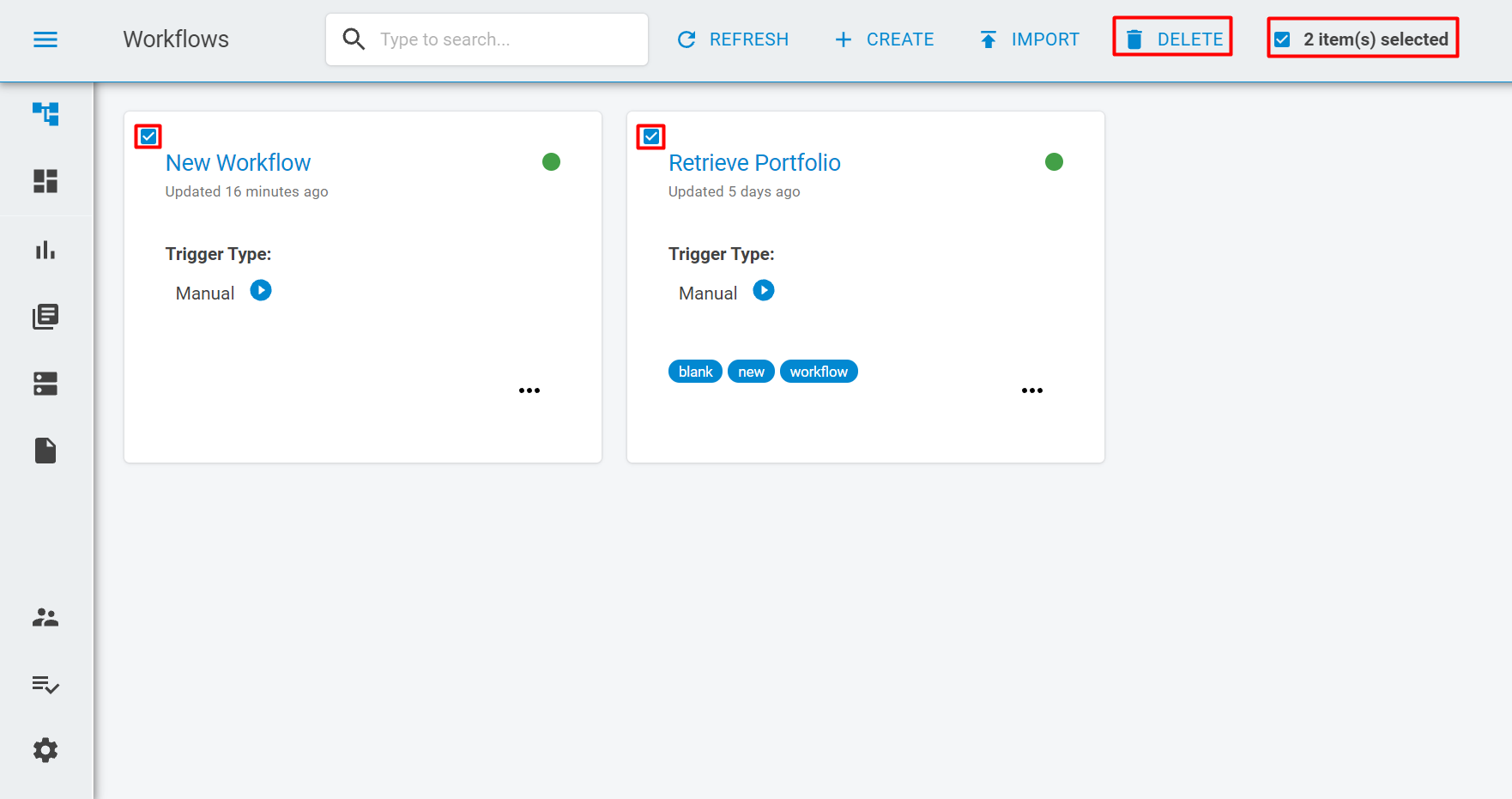
If you want to delete all workflows inside a workspace you can select the checkbox at the header and all workflows will be selected. You can also unselect some specific workflows in order to retain them on the workspace. Then, just click on the Deletebutton on the header.