Importing a portfolio from Blueleaf
Select the New/Import Portfolio button in the My Portfolios tab:

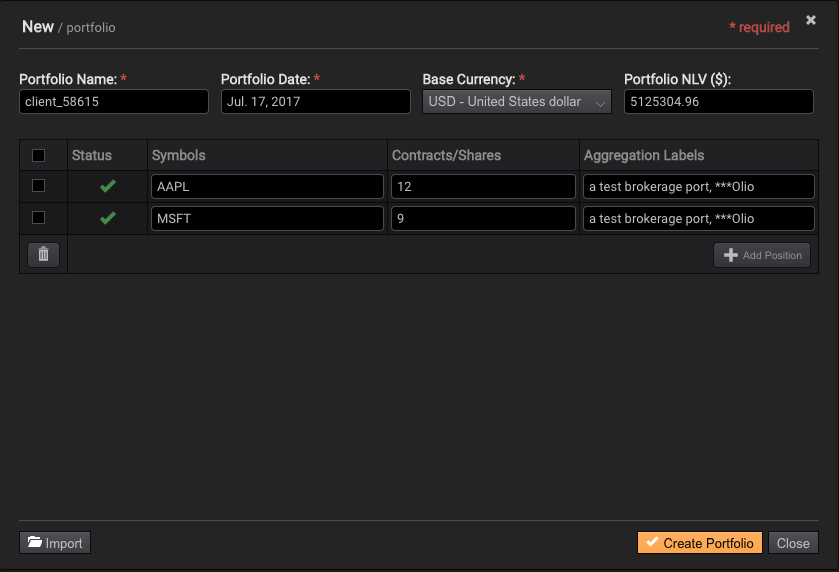
Then select the Import button located in the lower left corner:
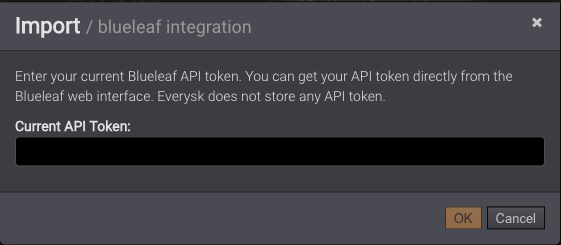
Select the source Blueleaf:
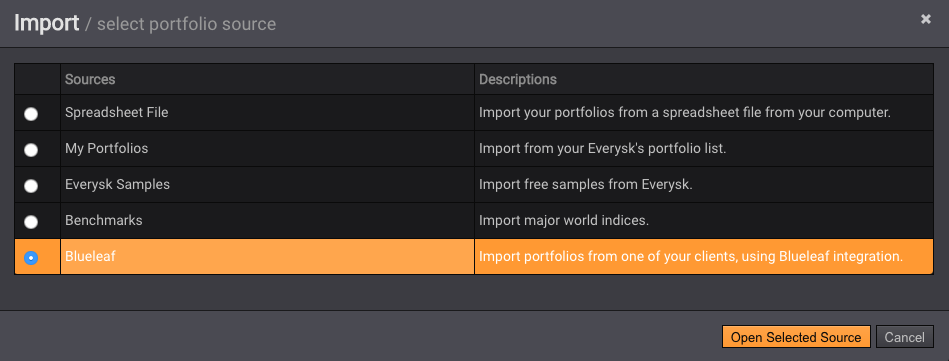
You will be asked to provide your Blueleaf API token:
Select the household portfolio you want to import and press Load Selected Portfolio button
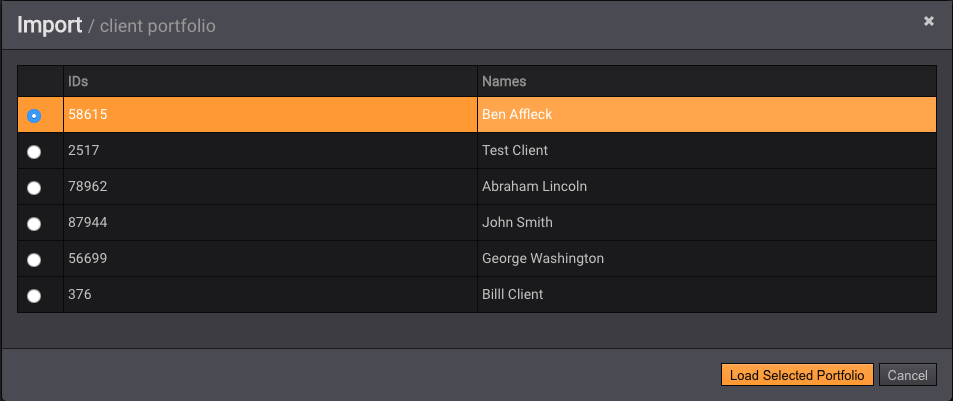
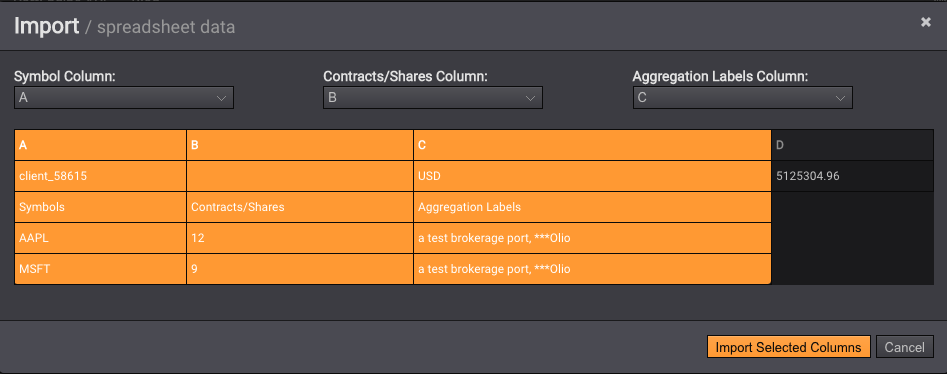
Import the selected columns:
Finally press Create Portfolio: